
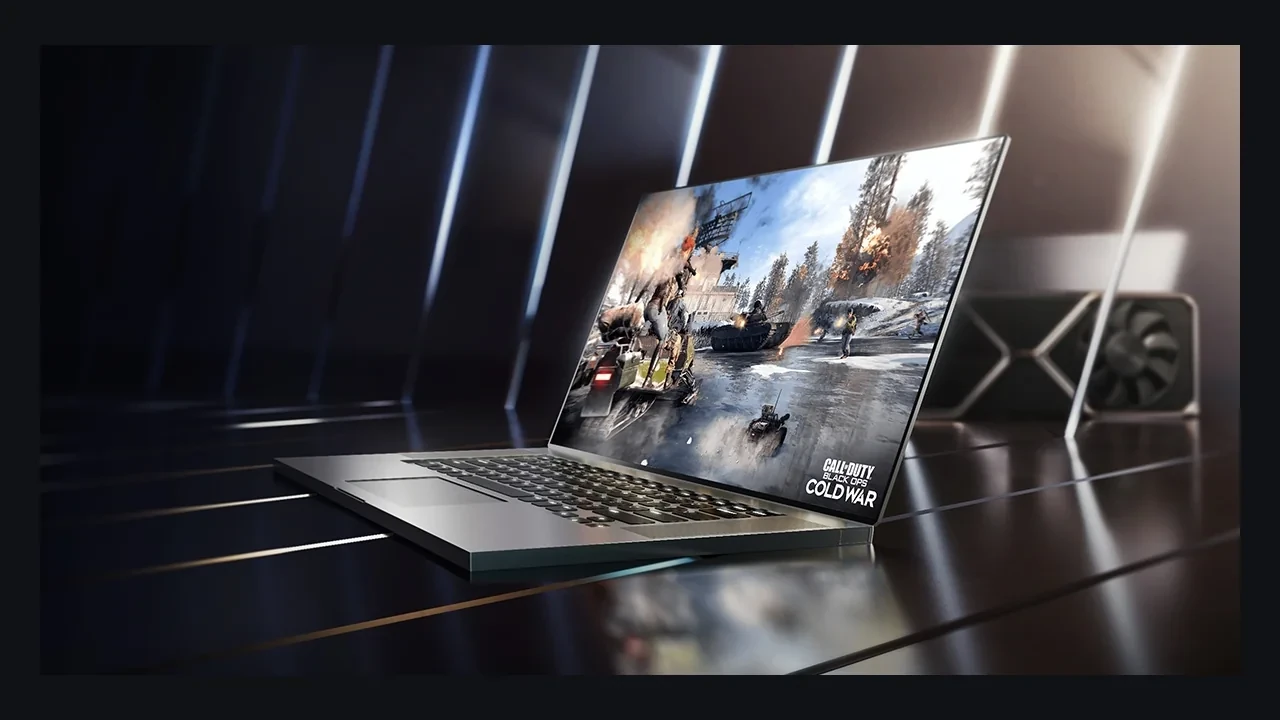
GeForce RTX 3070 Laptop GPU DLSS 5 compatibility: where support stands today
NVIDIA has not announced official DLSS 5 launch support for the GeForce RTX 3070 Laptop GPU. No driver release or engine integration lists it as a confirmed target. DLSS 4.5 Super Resolution and Ray Reconstruction remain the latest officially supported features for the RTX 30 family, so anything beyond that is unofficial for now.
The laptop still has real value for game development and modern play, but support and performance are separate questions. Support can be checked in NVIDIA’s driver, SDK, and compatibility notes. Performance depends on the exact notebook, TGP, panel, driver, and game build. This GPU doesn’t have one responsible FPS number that covers every chassis.
Why the laptop model varies so much
The GeForce RTX 3070 Laptop GPU is the mobile Ampere part in the RTX 30 series. Unlike a desktop card with a more fixed power target, it ships across a range of Total Graphics Power limits chosen by each notebook maker. Cooling, chassis design, and product positioning all affect sustained clocks. Two laptops with the same GPU label can perform quite differently.
Ampere supplies second-generation RT cores for ray tracing and third-generation Tensor cores for DLSS Super Resolution and Ray Reconstruction. Whether NVIDIA enables a later DLSS generation is a software and qualification decision, not simply a question of raw compute speed. Hardware can exist on the die without a matching option in the game menu.
DLSS is a feature family. Super Resolution performs spatial-temporal upscaling. Frame Generation interpolates new frames. Ray Reconstruction replaces hand-written denoisers with a learned model. DLSS 5 is the newer release name. Availability can differ by feature, GPU, and platform, so the exact device string matters.
DLSS support across RTX 30 laptops
The following table reflects public NVIDIA feature descriptions and RTX 30 documentation. It does not infer unannounced behavior.
| Feature | Available on RTX 30 series (laptop) | Notes for a GeForce RTX 3070 Laptop GPU |
|---|---|---|
| DLSS Super Resolution | Yes, current | Performance, Balanced, and Quality modes available in supported engines. |
| DLSS Ray Reconstruction | Yes, where the engine integrates it | Replaces selected hand-written denoisers in supported ray-traced effects. |
| DLSS Frame Generation | Limited support depending on driver and panel | RTX 30 series Frame Generation behaviour is narrower than on RTX 40 series and later hardware. |
| DLSS 4.5 Super Resolution and Ray Reconstruction | Documented as latest officially supported for RTX 30 series | Current software ceiling for this GPU family. |
| DLSS 5 | No official launch support announced; future support remains unknown | Treat any DLSS 5 toggle on this GPU as unofficial until NVIDIA states otherwise. |
This is a snapshot. NVIDIA can alter a matrix by driver, game integration, or platform. A current Game Ready or Studio Driver note is stronger evidence than a forum post or benchmark video. Until such a note names the GeForce RTX 3070 Laptop GPU for DLSS 5, it remains unsupported.
Compatibility doesn’t predict performance
Compatibility asks whether the driver, SDK, and engine allow the feature path to run. Performance asks how many milliseconds, how much VRAM, and what frame pacing the path costs on a particular notebook at a chosen resolution and effects setting.
The compatibility answer is firm today: no official DLSS 5 support, with DLSS 4.5 Super Resolution and Ray Reconstruction as the latest documented features. A performance claim needs the laptop’s TGP, panel, driver, and exact game build. Without all four, the result is anecdotal and shouldn’t set a minimum specification.
Lack of DLSS 5 support also doesn’t imply the device is frozen. It can still receive DLSS 4.5 maintenance, fixes, and new engine integrations while NVIDIA supports the RTX 30 mobile line. Predicting permanent stagnation would be as careless as treating a leak as confirmation.
Verify the exact laptop before making a decision
- Identify the exact GPU string. Open the NVIDIA control panel, run
nvidia-smi, or check the OEM sheet. Confirm it says “GeForce RTX 3070 Laptop GPU” rather than the desktop card, a differently marketed Max-Q design, an RTX 3080, or an RTX 3060. - Record the driver version. The DLSS runtime is tied to the driver and engine integration, so behavior can move between branches.
- Find the OEM TGP. An 80 W RTX 3070 Laptop GPU and a 125 W version won’t produce the same result. Include Dynamic Boost behavior if the maker lists it.
- Inspect the engine integration. Unreal Engine and Unity expose features through plugin or package versions. A custom engine should query the SDK for driver-supported capabilities.
- Run a controlled scene. Fix the camera, resolution, and effects load, then record frame time, 1 percent lows, and GPU utilization.
- Compare the result with NVIDIA’s documented support. A missing toggle may be the intended capability boundary rather than a bug.
- Repeat after a driver update. Compatibility records should include a driver build instead of relying on the GPU name alone.
The process takes longer than clicking through a menu, but it produces a record QA can hand to production. It also gives support staff enough detail to investigate a missing option without guessing which driver, engine, or power profile was in use.
What DLSS 4.5 provides on the RTX 3070 Laptop GPU
DLSS 4.5 Super Resolution renders below the panel’s output resolution and reconstructs a higher-resolution image. Performance, Balanced, and Quality modes trade internal cost against reconstruction work. Performance pushes the internal resolution lower, while Quality stays closer to native. The GeForce RTX 30 series reference provides the wider hardware context.
Ray Reconstruction handles a different part of the frame. It can replace selected denoisers in supported ray-traced effects, retain more lighting detail, and reduce temporal ghosting. On a TGP-limited laptop, the recovered denoising time can be spent on more rays or returned to the frame budget. Availability still depends on the game’s engine integration rather than an NVIDIA control-panel switch.
Quality is a sensible starting mode in steadier scenes, with Balanced available for action-heavy sections. When Frame Generation is exposed on RTX 30 series hardware, it behaves more conservatively than on later GPUs and should be profiled for latency case by case. None of these current options changes the support status: DLSS 4.5 is the ceiling, and DLSS 5 enters the matrix only after an official note.
How NVIDIA describes DLSS 5
The NVIDIA DLSS 5 launch and compatibility page is the direct reference for the release, target hardware, and relationship to earlier generations. Read it beside RTX 30 documentation when evaluating this exact laptop GPU.
That pairing prevents two common mistakes. DLSS 5 isn’t one uniform switch; individual paths can have different GPU and platform requirements. A launch announcement also doesn’t mean every RTX card receives every feature immediately.
Production implications for a PC game
The GeForce RTX 3070 Laptop GPU is old enough that it may not suit every modern minimum specification, yet common enough to remain a meaningful installed-base target. A new DLSS 5 path must not replace the existing 4.5 route for this hardware.
Keep feature detection separate from execution so unsupported devices reach the correct backend. Add the GPU to the QA matrix because mobile power limits expose issues a desktop card won’t. Public compatibility notes should name the GPU and its available DLSS features instead of collapsing several generations into one marketing line.
Any store-page promise of DLSS 5 also needs a launch-day GPU list. Until NVIDIA publishes one that includes this part, claiming support creates a predictable customer-support problem.
Advice for owners, buyers, and fleets
Current owners should keep the NVIDIA driver updated, use DLSS 4.5 Super Resolution and Ray Reconstruction where available, and avoid third-party tools that promise an unofficial DLSS 5 unlock. An unsupported switch can create broken reconstruction, unstable pacing, or no change at all. Forked packages don’t alter the support contract between NVIDIA, the engine vendor, and the driver.
A used laptop can still be a good purchase when the CPU, panel, thermals, and price are strong. DLSS 4.5 remains useful, and the GPU can continue handling game-development work. Anyone buying specifically for forward-looking DLSS features has a stronger case for an RTX 40 or RTX 50 laptop because their published support position differs.
For a studio or school buying a fleet, standardize on a generation with a documented feature matrix if one shared DLSS story matters. The RTX 3070 Laptop GPU can still be part of that fleet, but procurement documents should state which features are included.
Public signals that would change the answer
NVIDIA has extended newer features to older GPUs through driver and SDK updates in previous generations. If that happens here, the change should appear in one or more of the following places:
| Signal | Where to look | Why it matters for the GeForce RTX 3070 Laptop GPU |
|---|---|---|
| Driver release note naming this GPU in “Added DLSS support” | NVIDIA Game Ready / Studio Driver release notes | First-line confirmation that the driver is willing to expose a new DLSS path on this hardware. |
| SDK update describing a new feature as available to RTX 30 series | NVIDIA DLSS SDK documentation and changelog | SDK wording is the contract engines rely on, so it matters as much as a driver toggle. |
| Official NVIDIA post or press release on DLSS 5 for RTX 30 series laptops | NVIDIA newsroom, developer blog | Distinguishes shipped behaviour from intent. Leaks and pre-release builds do not count. |
| Engine plugin update exposing a new DLSS path to RTX 30 series | Unreal Engine Marketplace, Unity Asset Store, engine changelogs | Often precedes driver documentation, but still needs NVIDIA-side confirmation to count as official support. |
Until one of these signals names the GPU, future support remains unknown. Community reports aren’t enough to change the headline.
The wider RTX 30 series context
RTX 30 introduced second-generation RT cores and third-generation Tensor cores across desktop and laptop products. The family became the Ampere workhorse for several years and still matters when teams estimate install-base coverage and minimum specifications.
Laptop and desktop variants with the same number remain different products. A desktop RTX 3070 has its own power, cooling, and performance profile. The same warning applies to the RTX 3080 Laptop GPU, RTX 3060 Laptop GPU, and Max-Q-labelled designs. Keep the full SKU string attached to every compatibility or performance decision.
A compact decision checklist
- Confirm the GPU string is “GeForce RTX 3070 Laptop GPU” and not a neighbouring SKU or a Max-Q relabel.
- Confirm the driver is a current Game Ready or Studio Driver with DLSS 4.5 listed in its notes.
- Confirm the laptop’s TGP, because two same-named GPUs can sit at very different power envelopes.
- Confirm the engine’s DLSS integration exposes DLSS 4.5 Super Resolution and Ray Reconstruction.
- Confirm that no DLSS 5 toggle is being claimed for this GPU by any official source.
- Confirm that the QA matrix includes this GPU for at least one representative scene per major effect family.
- Confirm that the spec sheet, store page, and community FAQ all describe the same DLSS support state.
If one check fails, fix that evidence gap before release. The same record gives customer support a precise answer when a player asks why the DLSS 5 control is missing.
What this assessment does not claim
No frame-rate figure is quoted for the GeForce RTX 3070 Laptop GPU because the supplied evidence doesn’t contain a verified result for one exact model. Inventing or borrowing a number would weaken a minimum-spec decision. There is also no DLSS 5 performance claim because the feature isn’t officially supported here.
Desktop RTX 3070 results, neighboring laptop SKUs, Max-Q variants, and other RTX generations aren’t substituted. OEM tuning can produce a wide range of behavior under the same GPU name. A verified model-specific result, driver note, or SDK update can be added when it appears.
Until then, the safe production statement remains that DLSS 4.5 Super Resolution and Ray Reconstruction are the latest supported features and DLSS 5 is unsupported on this GPU.
Frequently asked questions
Does the GeForce RTX 3070 Laptop GPU support DLSS 5?
No official support has been announced. DLSS 4.5 Super Resolution and Ray Reconstruction remain the latest supported features, and future DLSS 5 compatibility is unknown.
What is the latest official DLSS release for this GPU?
DLSS 4.5 is the current supported package. Frame Generation behavior on RTX 30 is narrower than on newer generations, and DLSS 5 isn’t part of the official matrix.
Is DLSS 5 the same as Frame Generation?
No. Frame Generation is an earlier DLSS feature that interpolates frames. DLSS 5 is a newer release family. Treating the terms as interchangeable leads to incorrect RTX 30 support claims.
Could DLSS 5 arrive later?
That is unknown. A future driver, SDK, or NVIDIA announcement would need to name the GPU. No public commitment or date exists.
Can a mod unlock the feature?
A third-party tool can’t create an official support path. It may produce inconsistent image quality, unstable pacing, or no effect. Use the features exposed by the NVIDIA driver and engine SDK.
How does TGP change DLSS performance?
TGP is the power budget assigned by the notebook maker. More power can raise sustained clocks and leave more room for Super Resolution, Ray Reconstruction, and any other exposed DLSS path. Always name the laptop model, TGP, and driver when reporting performance.
Can it still serve as a minimum specification?
For a carefully budgeted 1080p game, it can. A 1440p or 4K title with heavy ray tracing will need more aggressive DLSS 4.5 settings, and the QA matrix should say so.
Is it still worth buying?
It can be when the CPU, display, cooling, and price are right. The GPU still supports useful DLSS 4.5 features. Buyers who specifically want future DLSS releases should favor a newer officially supported laptop generation.
How does it differ from the desktop RTX 3070?
The laptop version covers several mobile power and thermal envelopes. The desktop card is a separate product. Their performance and compatibility records aren’t interchangeable.
Where can I confirm support?
Use current NVIDIA Game Ready or Studio Driver notes, the DLSS SDK documentation used by the engine, and NVIDIA’s compatibility pages. If those sources don’t list a feature for RTX 30 mobile, assume it isn’t supported on this GPU yet.
Leave a Reply